Try it now.
Four rooms on our hosted arena are open to anyone, all the time. No account and nothing to install: a notebook in your browser, or the room's page. Each room keeps its own setup, and your name keeps your pod.
Code TLQGNR
First programs in Python
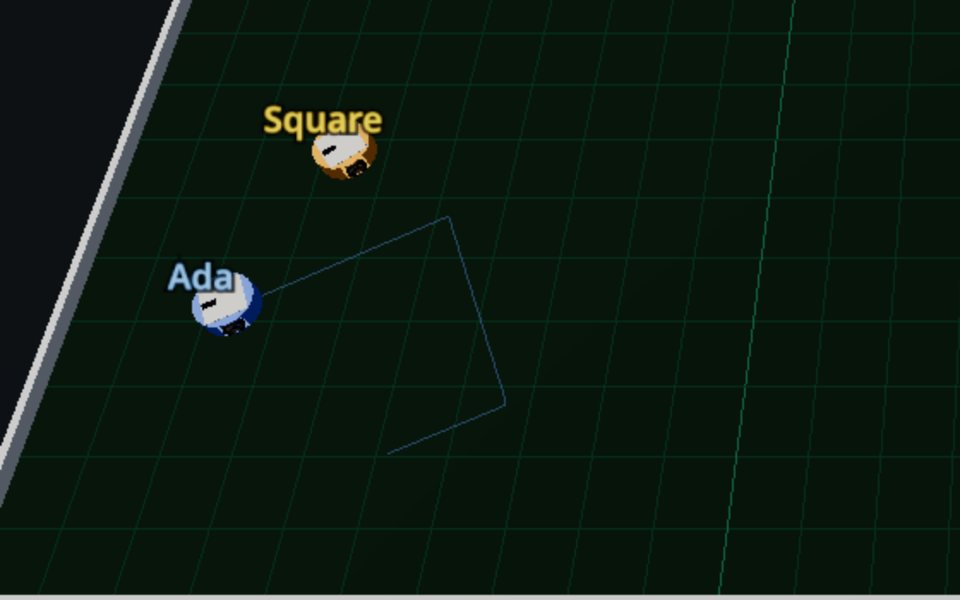
Drive a pod in a square, find out why it does not close, and fix it by reading where the pod really is.
Code GFYFYJ
Following a line
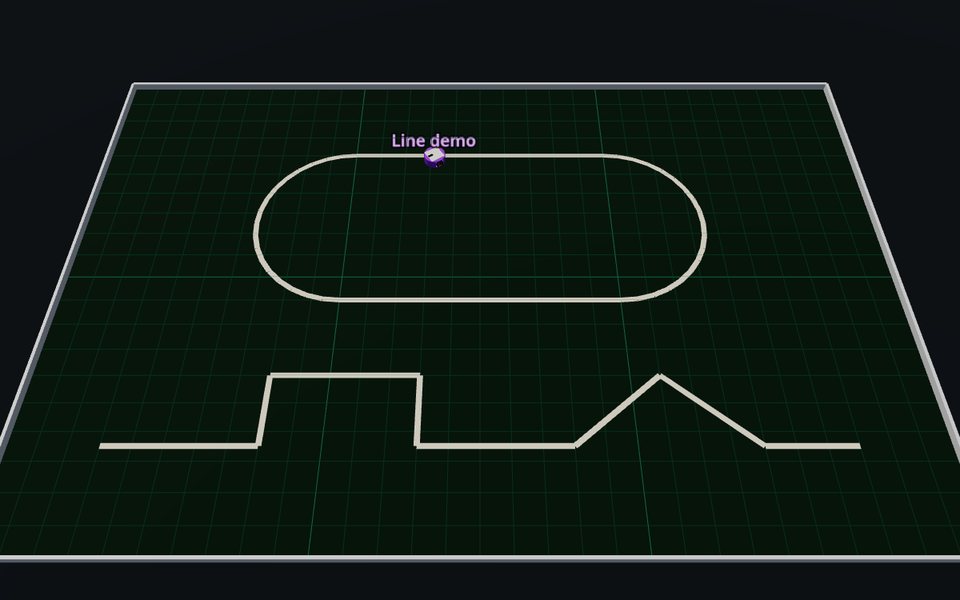
A line of tape on the arena and a sensor under the pod. Write the controller, tune it, and watch the pod settle on the line or weave off it.
Code UUDPYD
A swarm that searches
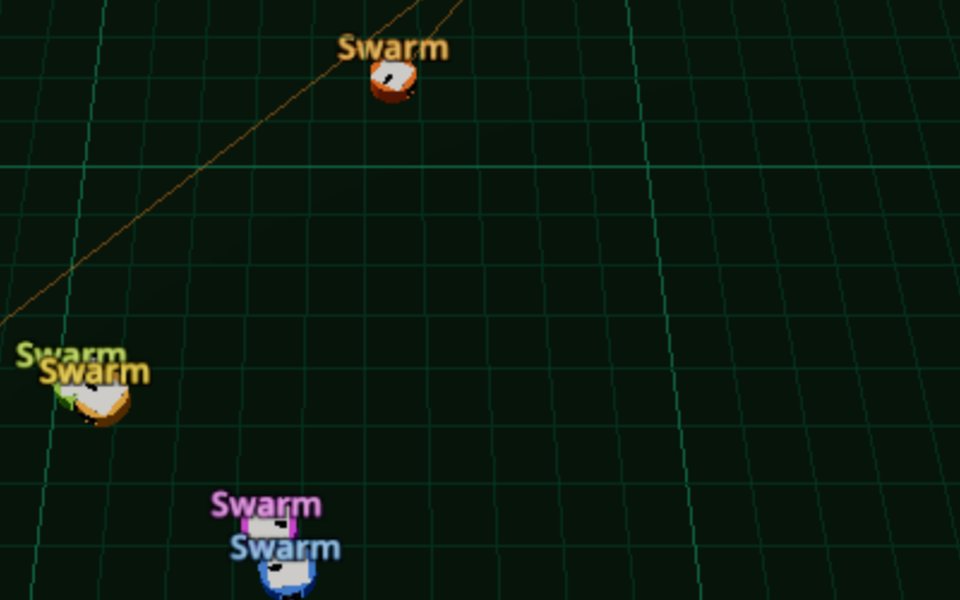
One program drives five pods. Search for hidden objects with no plan, then with one, and compare how much ground each covers.
Code UBACYD
Outwit the sensors
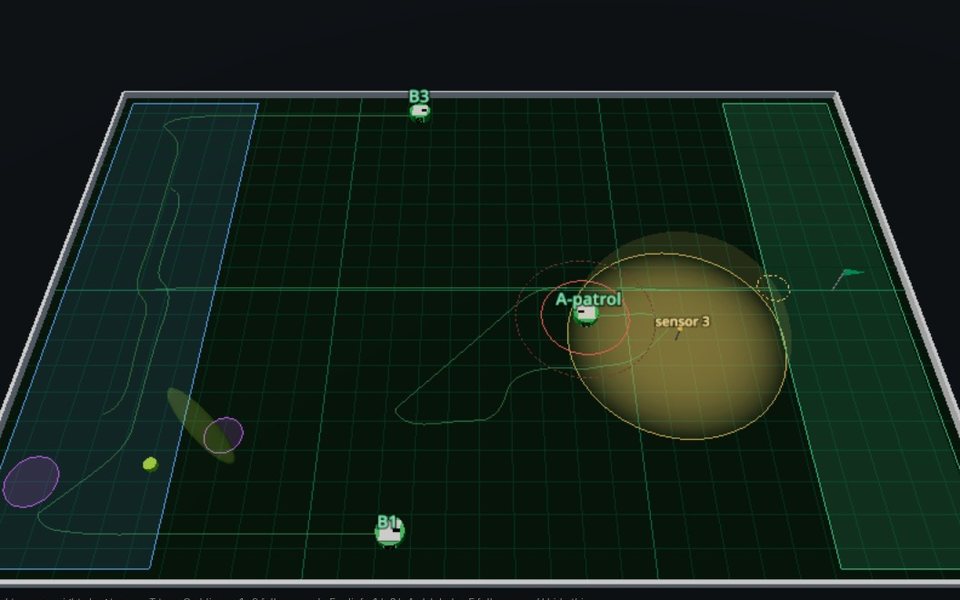
Two teams. One places sensors and a patrol; the other writes orders in plain English to get its pods across unseen. Played live, with a teacher starting each round.
Five minutes, start to finish.
-
1
Open the room's notebook
In Jupyter, in VS Code, or in Google Colab in the browser. The room's code is already in it.
-
2
Put your name in
Run the cells from the top. You get a pod of your own and a link to watch it in 3D beside the notebook.
-
3
Change the code
The pod does what your code says. Run it again tomorrow with the same name and the same pod is waiting.
Read the documentation → The guide as a PDF
Rooms of your own for a class, a workshop or a rehearsal are by invitation: ask for one. The demonstration rooms run virtual pods; with the kit in your room, the same lessons run on real pods on your table.