Run your own room
While the service is new, rooms of your own are by invitation: write to a.lenskiyunsw.edu.au for an invite code, and say if your class will use ATAK. A room is yours alone, holds one arena per group of up to five students, and closes after 7 days nobody uses it.
- Sign up at arena.platopod.com with the invite code. My rooms opens.
- Type a name, choose how many arenas (one per group), and click Make a room.
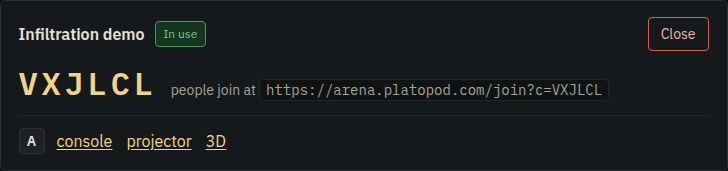
- On the room card, note the six-letter room code. Students type it on the join page, or in a notebook.
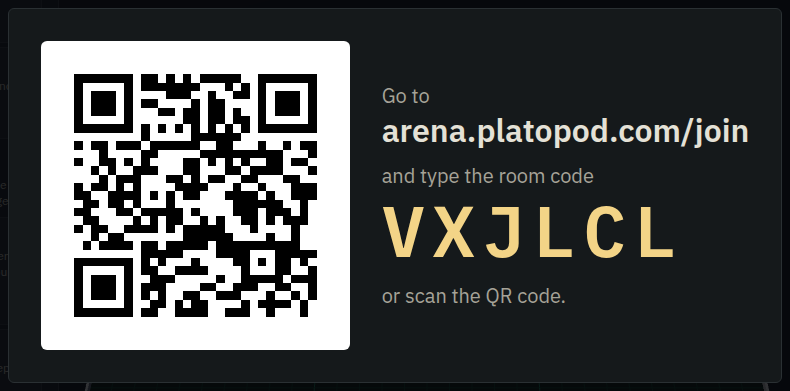
- On the big-screen laptop, click console on the card. It opens signed in as the teacher; never share this link. Its Join button puts the code, the join address and a QR code on the screen.
- Optional: projector gives a clean full-screen view for a second screen; 3D the arena in three dimensions.
Then choose an activity, or set one up: see Set up activities.